library(igraph) # Networks
library(ADAPTSNA) # Data7 Trimming and Adding Network Data
One of the next steps to working with network data is to clean them. Cleaning is really a process whereby you use techniques to transform your data so that it better represents those you are studying. This process involves both extraneous and missing data. By extraneous data, I mean that there are additional elements to your dataset that, perhaps, need removing. Missing data, as the name suggests, are data that ought to be included in your dataset but are omitted. The omission of data may be a factor of misrecording the network data or that nodes/ties are systematically missing from the data.
| LEARNING ELEMENTS - Data Practices |
|
If you are using prerecorded data, it is up to you to get to know how it was created. The more familiar you are with this process the better able you will be to make informed, ethical decisions on how to clean the data. Let’s say you have a dataset of popular musicians and their collaborations with others in the charts. In the data you have, however, there is a collaboration that you know has happened and you can find. In this context, you may wish to do your own inspection of the original sources (the chart data themselves) and add/remove accordingly. However, it is imperative that you follow your Institutional Review Board (IRB) for your research. This is especially true if you are dealing with human subjects and collecting your own data.
In this section, we cover how to transform the network object after we create it and add or remove nodes and edges. These are the most likely elements of data missing from your network. There are other forms of data that might be missing (node or edge characteristics), but those can be applied simply to the dataframe itself using traditional data transformation techniques (e.g. the mutate or filter functions so commonly used in working with data). Since this book is all about networks, the cleaning we are focusing on here relate directly to the unique elements of cleaning network data. We will start with deleting and then finish with adding. Think of these these as trimming or grafting elements of your network
Deleting Nodes.
To delete nodes from your network, you use the delete_vertices() function in igraph. There are several reasons you may wish to remove nodes from the network. One very common issue with cleaning network data is knowing what to do with isolates. Isolates are noes who are a part of your network, but who have no connections to others in the group. Isolates are stored in network data differently depending on how your data are stored.
If your data are stored in an adjacency matrix, then isolates are those with no 1s in the matrix. Ensuring that R recognises them as isolated is very simple. Bring in the data, and then convert it into a matrix. Any that are isolated will show as isolates.
However, dealing with isolates is not as straightforward when you are working with edgelists. With this structure, you have only two columns, one for senders and the other for receivers. If there is an individual in the group who neither sends nor receives, but is a legitimate participant of the group, what do you do with them? One way to record isolates from an edgelist is to list no-one in the “to” column. In other words, you list the name of the person in your network but leave the cell next to them blank. However, this approach also has additional steps to take before it is clean and ready to go.
hog_crush_empty <- load_data("Hogwarts Crushes Edgelist_EMPTY.csv",
                             header=TRUE)
Take a look at the edgeist now it is in and you will see I added a few more characters to this group: Madeye, Flitwick, McGonagal, and Voldemort. They are all listed in the “Crusher” (from) column but have no connection to anyone in the “crush” column. This makes sense, since we know little about their romances from the Harry Potter Saga.
tail(hog_crush_empty) Crusher Crush
14 Cho Chang Harry Potter
15 Cedric Diggory Cho Chang
16 McGonagal
17 Madeye
18 Voldemort
19 Flitwick When we make this a graph object, R does something funky. The new characters are all connected to a nameless node and it looks, on visual inspection, that they all have a crush on the same person. I have highlighted that node in the visualization below.
crush_empty <- graph_from_data_frame(hog_crush_empty,
                                     directed = TRUE)

plot(crush_empty)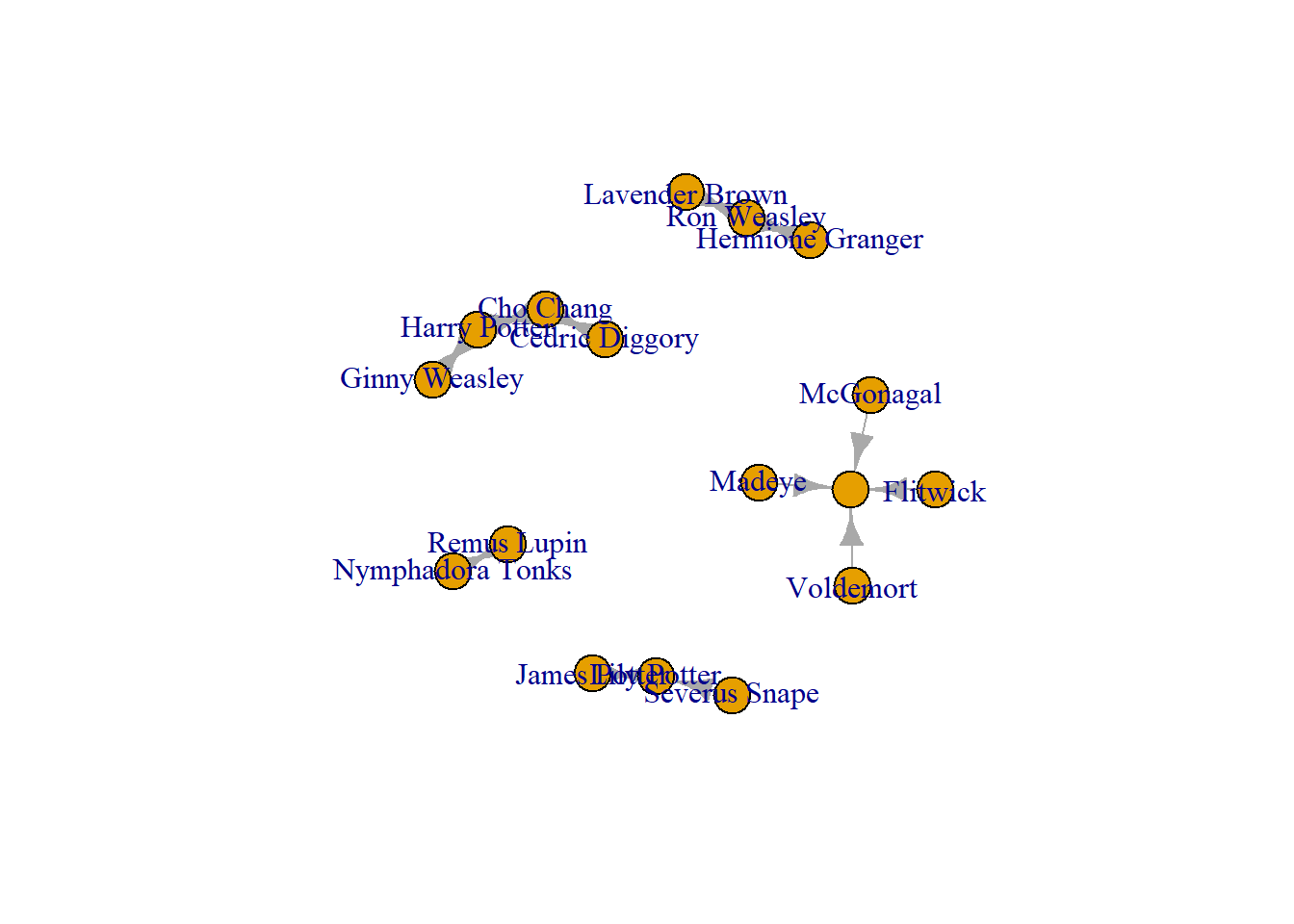
V(crush_empty)$wrong <- ifelse(V(crush_empty)$name
                               %in% c(""), "red", "white")

plot(crush_empty,
     vertex.color = V(crush_empty)$wrong)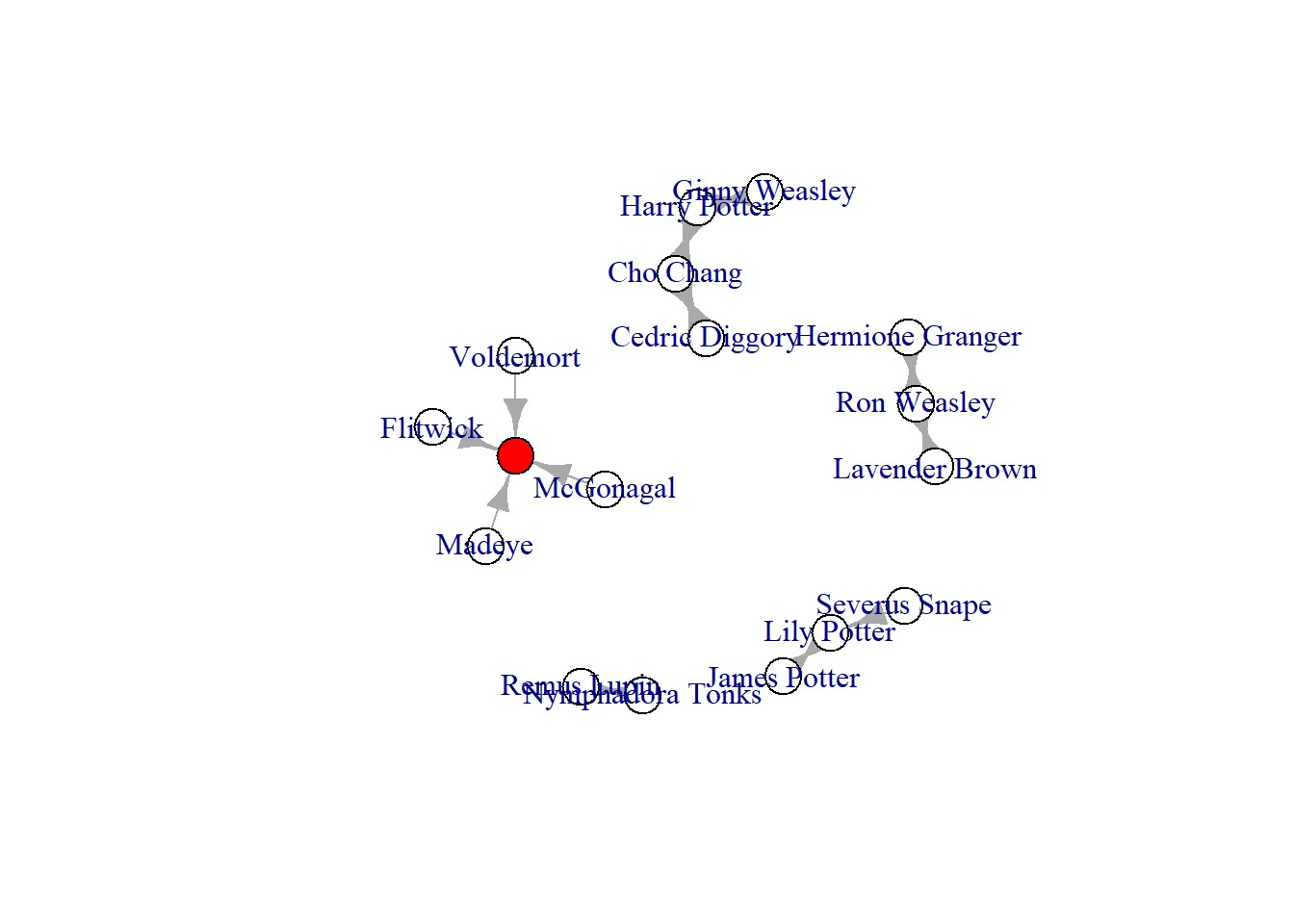
Coming off track for one moment. Pay attention to the line starting with ‘V(crush_empty)$wrong’ and you will see that we have created a node characteristic (using the V() function) called ‘wrong.’ The ifelse() statement that follows adds a ‘red’ to those without a name and white to everyone else. Although not the focus of this chapter, this exemplifies one way you can add a node characteristic (more on this in the chapter on characteristics). To change edge characteristics you would use the E() function.
Anyway, what do we do with this red, nameless node? Quite obviously, we need to delete the superfluous node. You do this using the delete_vertex() function. At that point the isolated notes (those without any crushes) will be truly isolated. If you choose to structure your network data this way, and wish to include isolates in your dataset, you will have to remember to remove the nameless node every time.
crush_empty <- delete_vertices(crush_empty, "")

plot(crush_empty)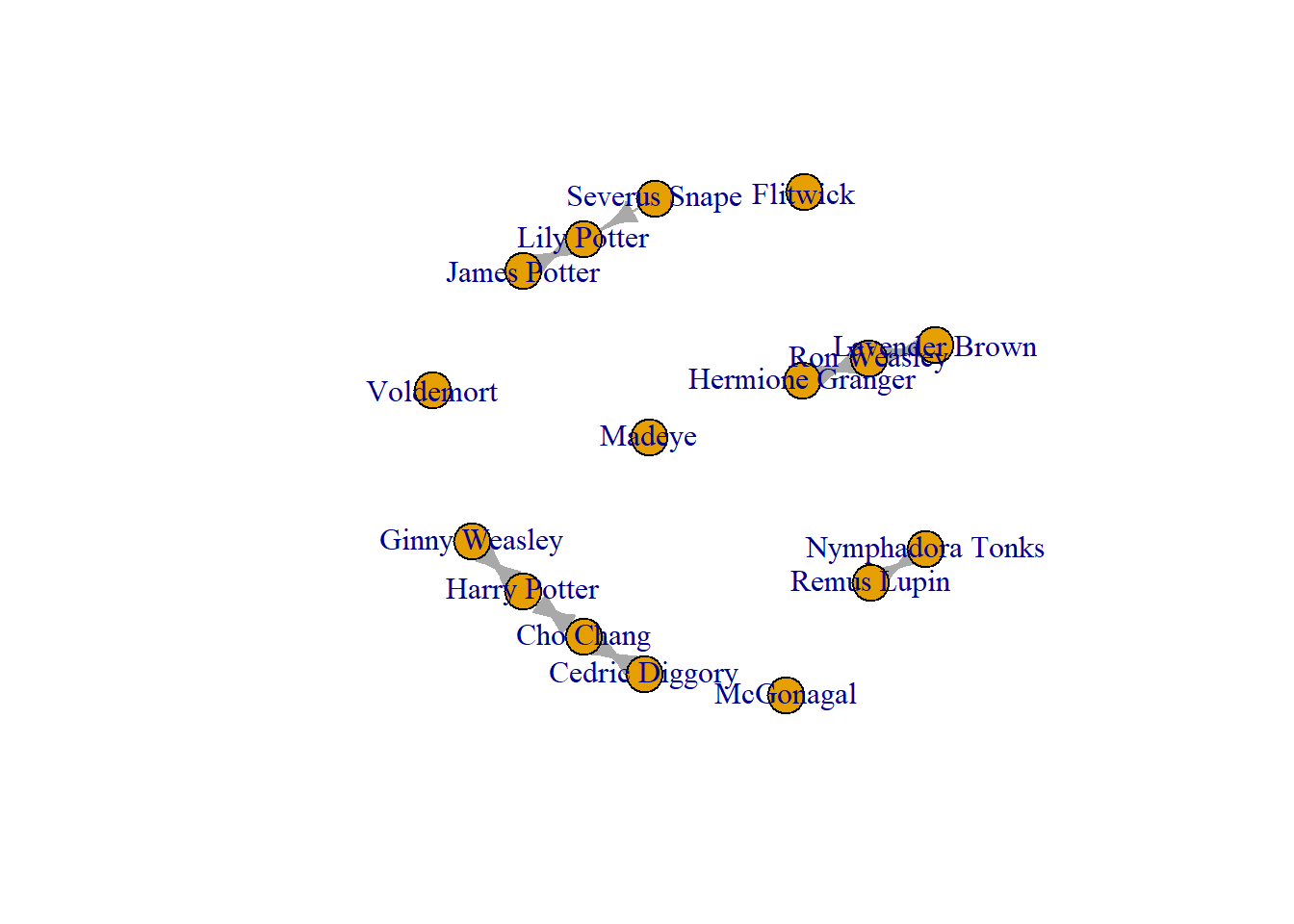
At this point, you now have some isolates loose in your network. While they are legitimate Harry Potter characters, you may not want to include isolates in your analysis/visualisation. In sum, you may only want to analyse those who have connections to others in your network. This means you need to remove those who do not. To do this, you identify those with no connections (degree = 0) and then remove them from your network. It is always useful to keep any cleaned versions of your network into new objects. I suggest this so that you can return to the original version of your network if you need to.
hog_crush_isol <- which(degree(crush_empty)==0)You can identify the isolates using the which() function. This searches through your network based on the parameters you set. In this above chunk, we as it to identify the names of the nodes in our network (crush_empty) that have a degree equal to 0 (isolates). Once you have those, you use the delete_vertices() command and remove those in the vector you just created. Again, use the basic delete_vertices() recipe which is the network object first and the options next (in this case the vector of isolated nodes) separated by a comma.
Crush_no_isol <-delete_vertices(crush_empty,
                                hog_crush_isol)

plot(Crush_no_isol)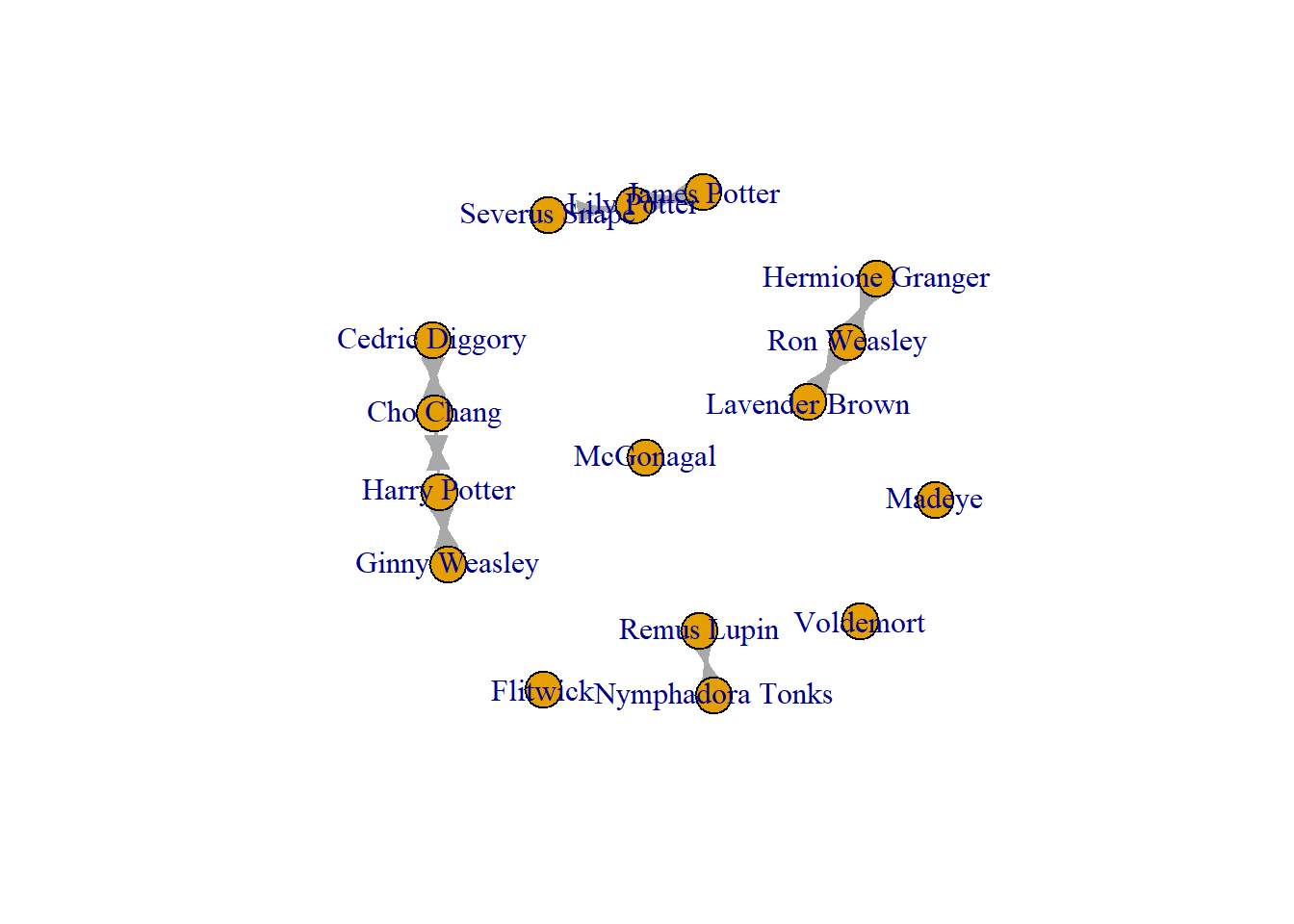
There you go! That is fairly straight forward. However, isolates are a tricky beast in network data cleaning. There is a second way your data might record isolates that can introduce some issues to your network analysis. In an edgelist, the second way that isolates are recorded is to connect them to themselves. So, person A is in the ‘from’ column and in the ‘to’ column. We call these “self loops” and they can be quite sneaky for a new network scholar. See here why.
hog_crush_loops <- load_data("Hogwarts Crushes Edgelist_SELFLOOPS.csv",
                             header=TRUE)

#Take a look at the data
tail(hog_crush_loops)
Crusher Crush
14 Cho Chang Harry Potter
15 Cedric Diggory Cho Chang
16 McGonagal McGonagal
17 Madeye Madeye
18 Voldemort Voldemort
19 Flitwick FlitwickNow when you make this a graph object R and plot it, modern (to this book) igraph tools generate a plot where everything looks fine and ready to go with the isolates appearing normal.
Crush_loops <-  graph_from_data_frame(hog_crush_loops,
                                      directed = TRUE)

plot(Crush_loops)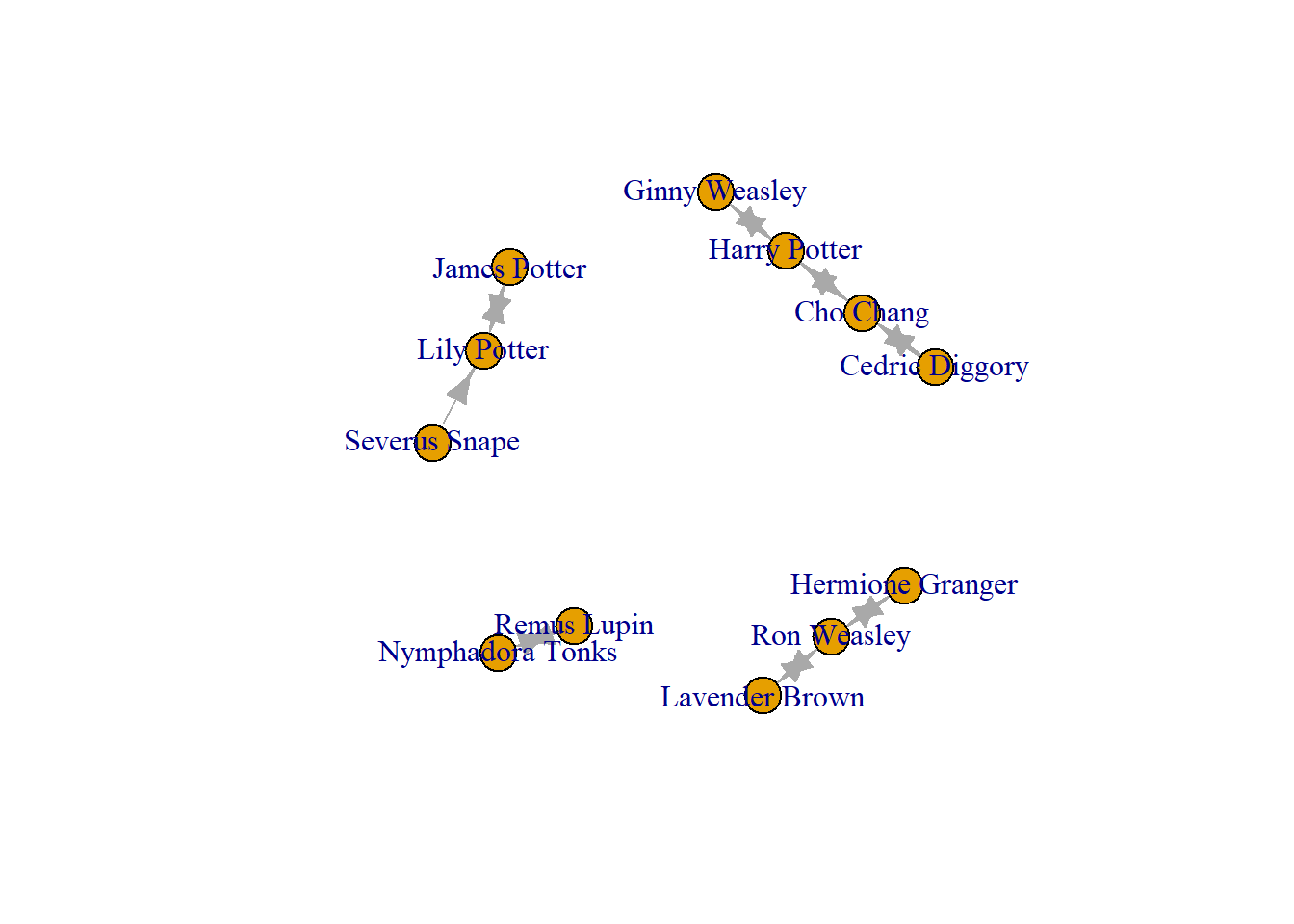
Some versions of igraph (especially if you are using an older version of the package) show these self loops as arrows pointing the node to themselves. This is especially true if your edgelist includes weighted edges (isolates with a weight of 0). You will see examples of those later in this book when we use the Grime musician data. These loops not only look horrible, they cause confusion to viewers of the network visual and even mess with some of the mathematics of your analysis. This is especially tricky if you cannot see the self ties and you forget to remove them!
For example, see the degree centrality scores from the funk below where Flitwitch, Voldemort, Madeye, nd McGonagal all have scores of 2 even though they are not connected to anyone. This happens because igraph records self ties as 2 (1 outgoing and 1 incoming = 2) but does not visualise them. If you leave this graph as it is, then you will have incorrect information in your data should you try and use their degree centrality for some analysis! Your isolates will have scores of 2 although they are not truly ties to anyone. This is particularly challenging if your networks are quite large and it is hard to know them as well as just a handful of Harry Potter characters.
A general rule is to use the which_loop() command to tell you if you have any loops in your dataset. This will return a vector of TRUE/FALSE statements. If you have nodes with self loops then TRUE will appear for those nodes. For simplicity, I just show the unique() strings of the vector. It shows that the which_loop(Crush_loops) command returns both FALSE and TRUE statements. This tells us that at least one of our nodes has a self loop (we know hat there are actually four!). We will deal with those in a moment (when we do the next step, deleting edges).
degree(Crush_loops) # incorrect degree scores for the isolates Harry Potter Ron Weasley Hermione Granger Ginny Weasley
4 4 2 2
Lily Potter James Potter Severus Snape Nymphadora Tonks
3 2 1 2
Remus Lupin Lavender Brown Cho Chang Cedric Diggory
2 2 4 2
McGonagal Madeye Voldemort Flitwick
2 2 2 2 unique(which_loop(Crush_loops)) # False and True report[1] FALSE TRUESo far, we have dealt with isolates, those that we know lack connections to others in our network. Other than isolates, you you might decide to remove one or more specific nodes from your network. For example, in this Hogwarts dataset, we may want to remove those who are not students at Hogwarts (i.e. remove teachers or adults). Once again, we use the delete_vertices() function.
One approach is to delete them one-by-one and identify them by their name. You can do so based on their name. To do this, we can use the same function, but this time, state the name of the node we want to delete.
hog_crush_students <- delete_vertices(Crush_loops,
                                      "Voldemort")

plot(hog_crush_students)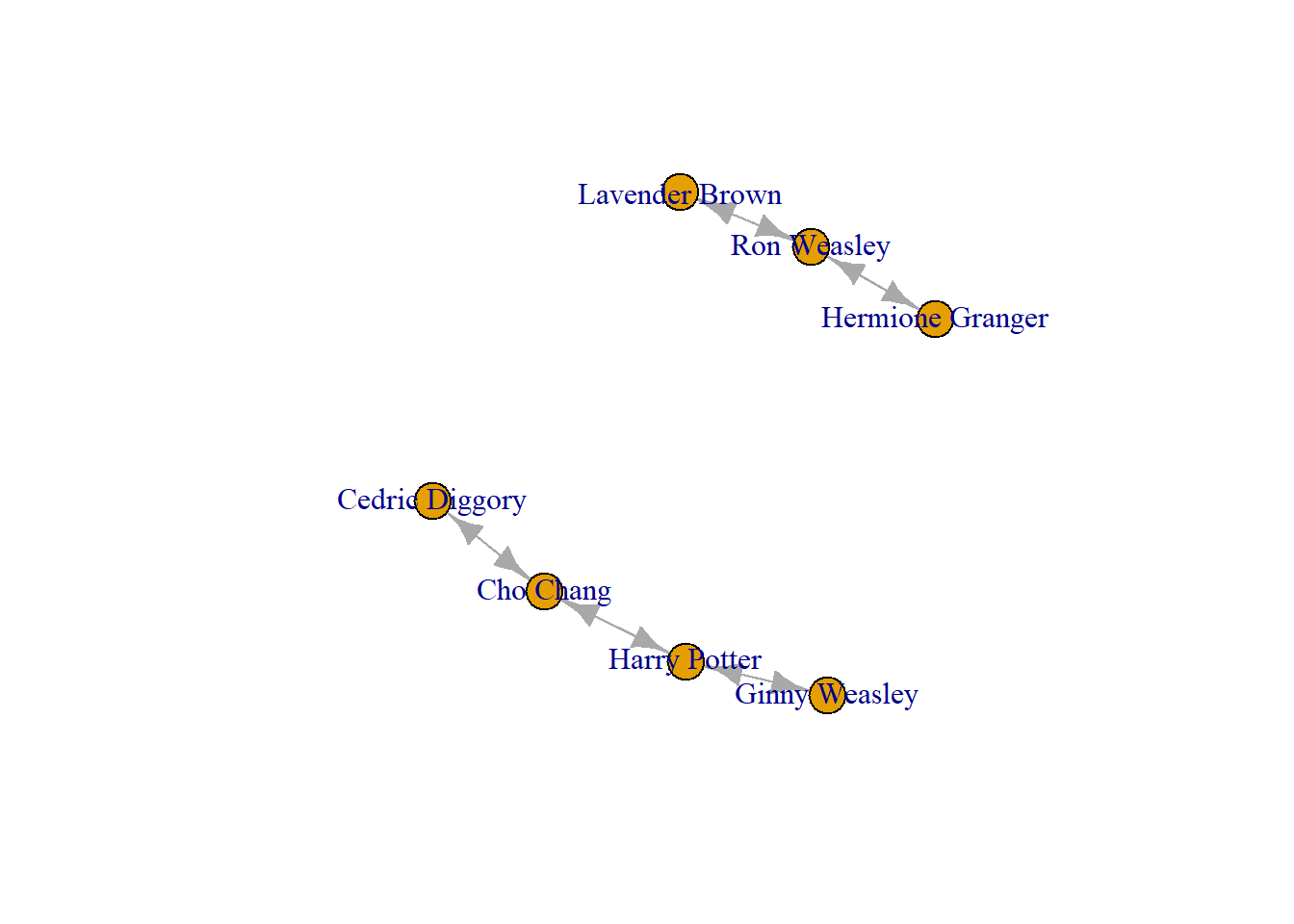
A quicker way, if you are deleting multiple, (i.e. all adults in Harry Potter) is to make a vector with all the names of those you want to remove, then use the delete_vertices() command.
hog_adults <- c("Severus Snape", "Lily Potter", "James Potter",
                "Nymphadora Tonks", "Remus Lupin", "Voldemort",
                "Flitwick", "McGonagal", "Madeye")

hog_crush_students <- delete_vertices(Crush_loops, hog_adults)

plot(hog_crush_students)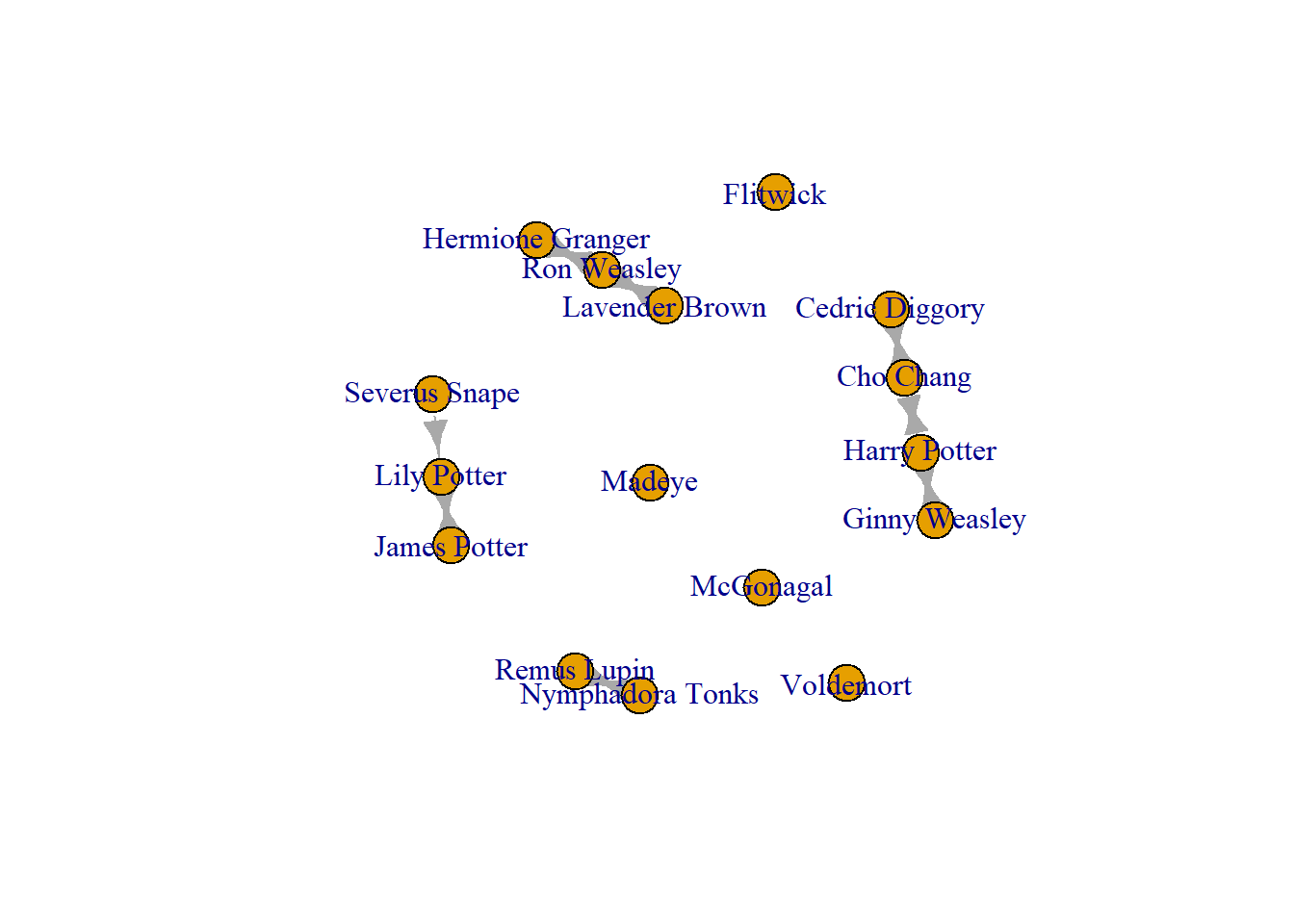
Very good! When deleting nodes, then, there are targeted approaches (like selecting the name of an individual to delete) or systematic approaches (like deleting all who have no connections or a large group of nodes).
Deleting edges
To remove unwanted edges you can use the delete_edges() command. Let’s begin with our edgelist from above and select the edges that are looped by using the E() command coupled with the which_loop() options.
Crush_loops  <- delete_edges(Crush_loops, E(Crush_loops)
                             [which_loop(Crush_loops)])

plot(Crush_loops)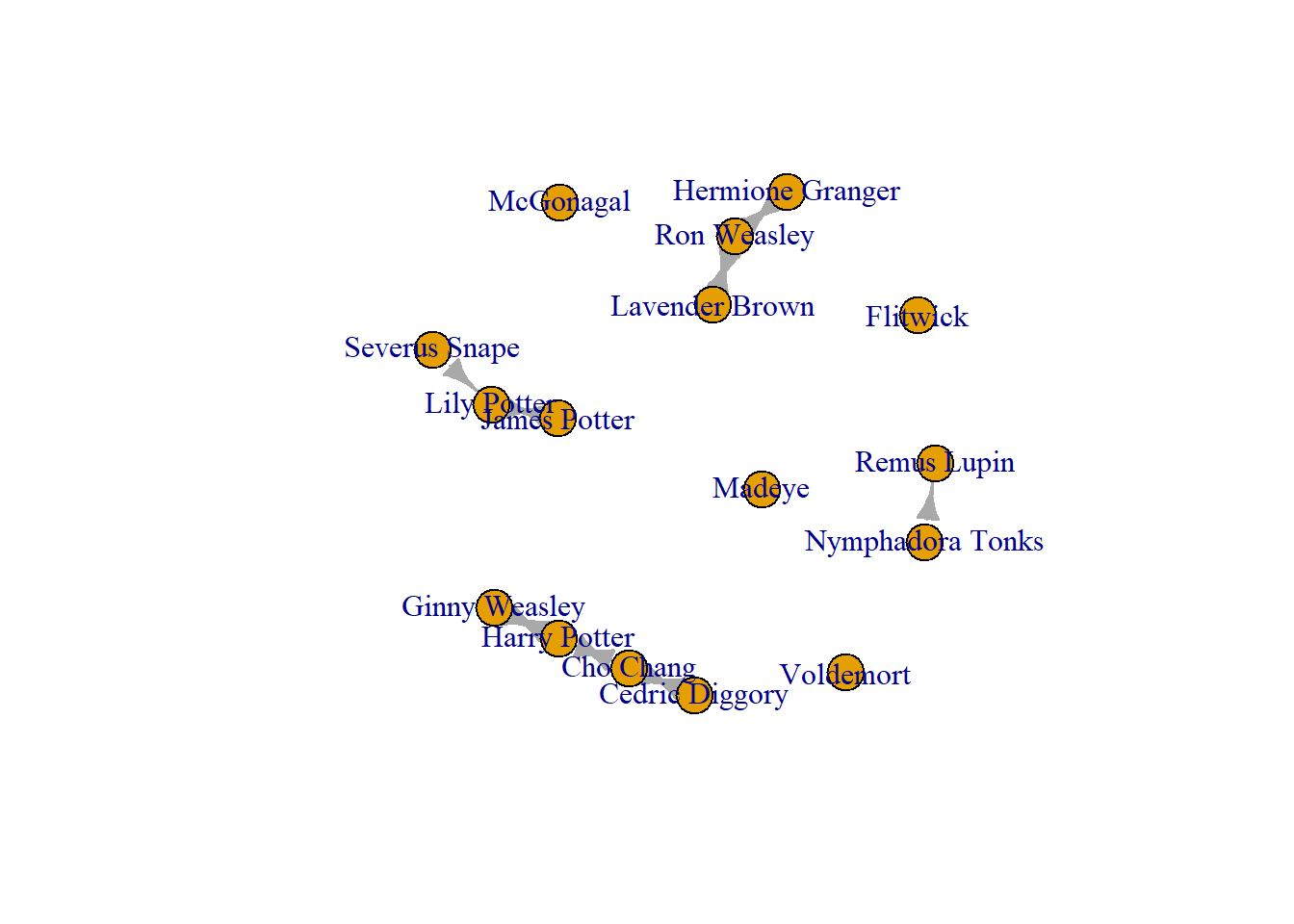
Now we can run the same checks we made beforehand to ensure that this current version of Crush_loops network not longer has any pesky self loops!
degree(Crush_loops) # Now these degree scores are correct. Harry Potter Ron Weasley Hermione Granger Ginny Weasley
4 4 2 2
Lily Potter James Potter Severus Snape Nymphadora Tonks
3 2 1 2
Remus Lupin Lavender Brown Cho Chang Cedric Diggory
2 2 4 2
McGonagal Madeye Voldemort Flitwick
0 0 0 0 unique(which_loop(Crush_loops)) # Only False Reported[1] FALSEIn addition to the selfloops, you may want to delete edges between specific nodes. You can do so by selecting which connection to delete and then still use the delete_edges() function. Be mindful, this is something that you do only if you know for sure that there is an error in your data (an incorrectly reported tie, for instance). The chunk below selects the tie from one node to another node (Remus Lupin sending to Nymphadora Tonks). This shows you how to delete a tie going one way.
edges_to_delete <- E(Crush_loops)[(.from("Remus Lupin") &
                                     .to("Nymphadora Tonks"))]

Crush_edge_delete <- delete_edges(Crush_loops, edges_to_delete)

plot(Crush_edge_delete)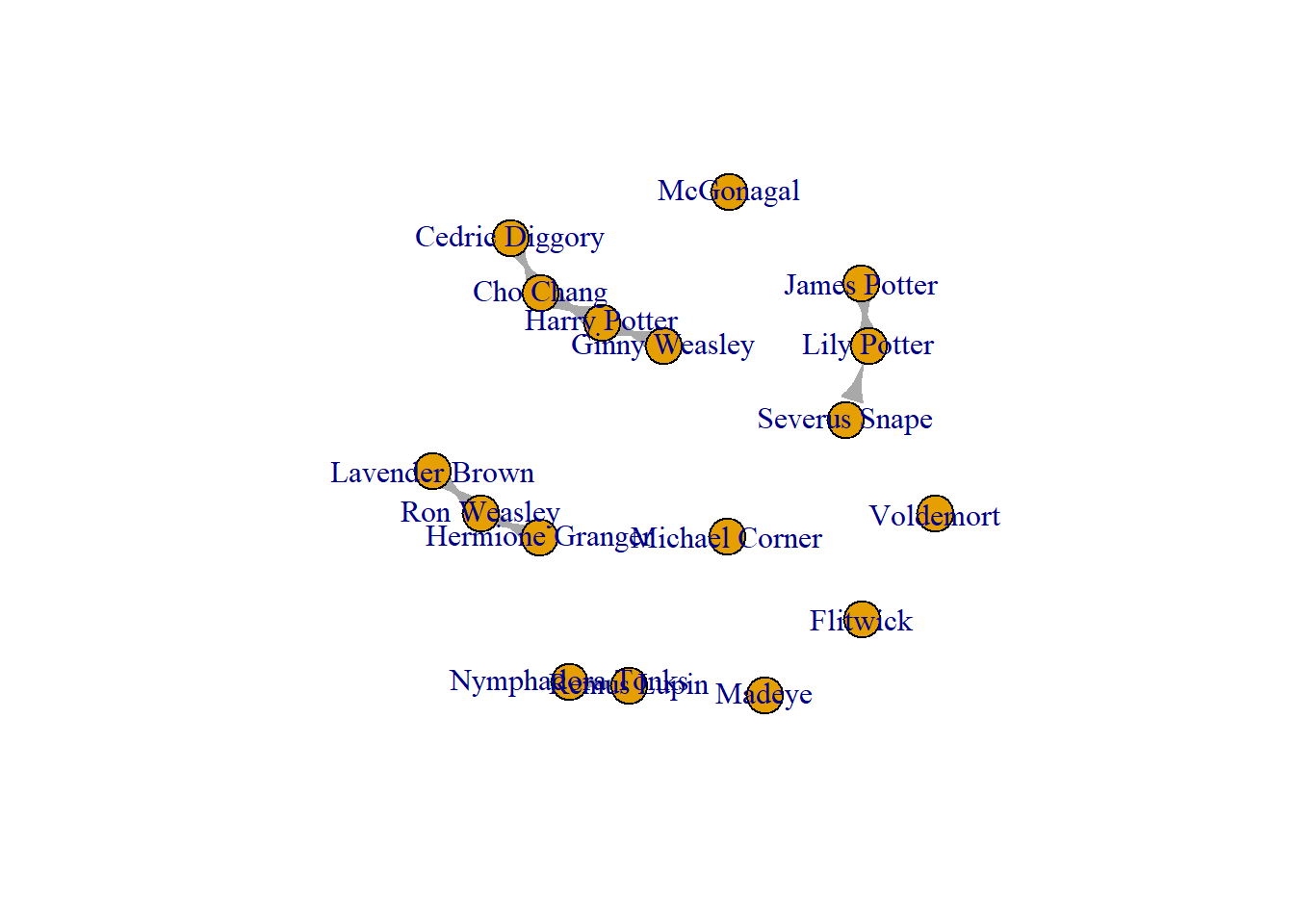
To delete all edges between two nodes, simply list both directions of the tie.
edges_to_delete2 <- E(Crush_loops)[(.from("Remus Lupin") &
                                     .to("Nymphadora Tonks")) |
                                     .from("Nymphadora Tonks") &
                                     .to("Remus Lupin")]

Crush_edge_delete <- delete_edges(Crush_loops, edges_to_delete2)

plot(Crush_edge_delete)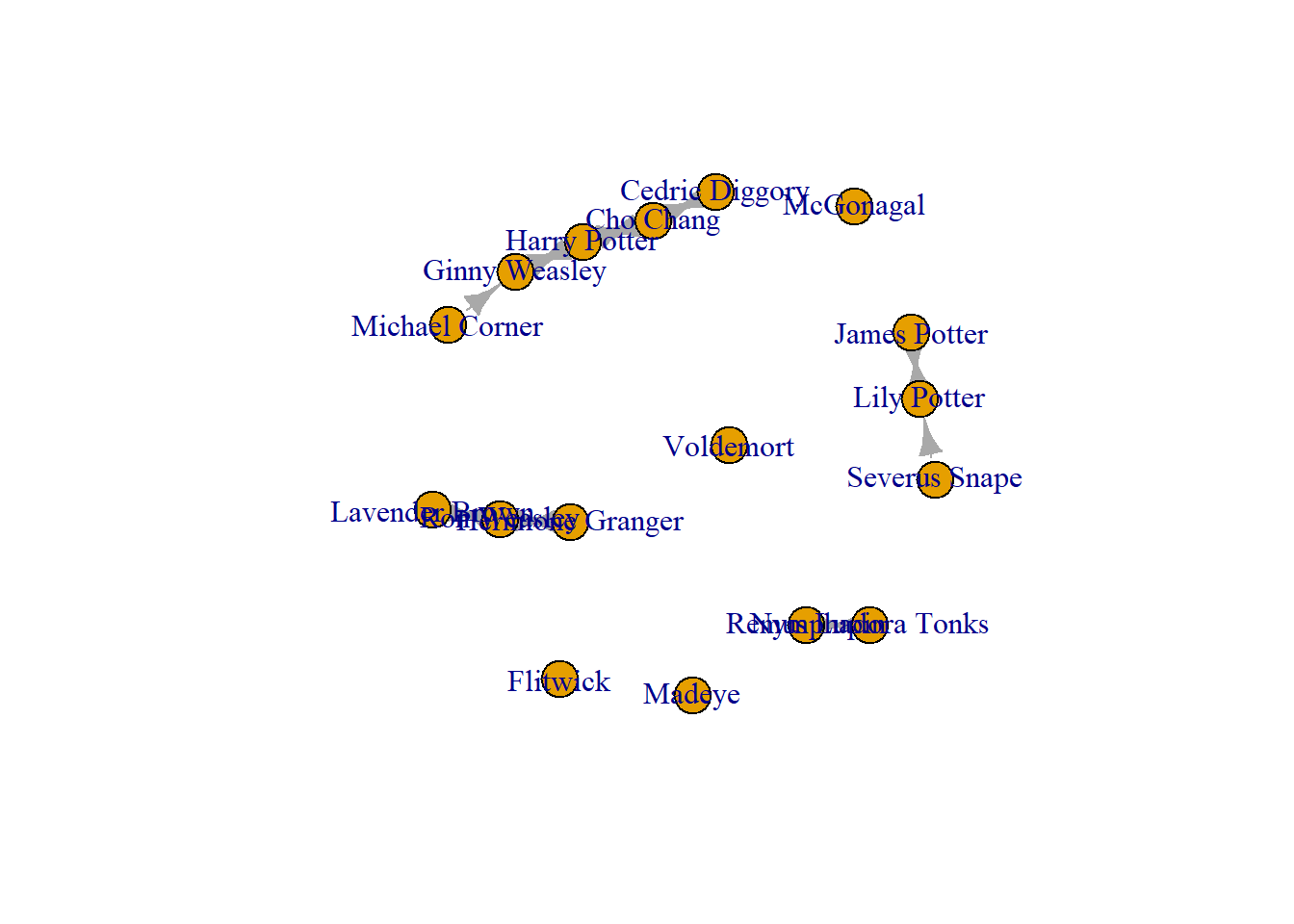
Adding Nodes
Next, you might need to add data to the network object. Use caution when doing this and consider the ethics of your research. Has the person you are adding consented to being studied? Adding data, any data, requires consideration. I cannot overstate that!
Once you have considered the above and are sure that it is ethical (maybe checking with your IRB!) to add data to your network, you may wish to add nodes to your network. To do so, use the add.vertices() function.
crush_added <- add_vertices(Crush_loops, 1,
                            name = "Michael Corner")

plot(crush_added)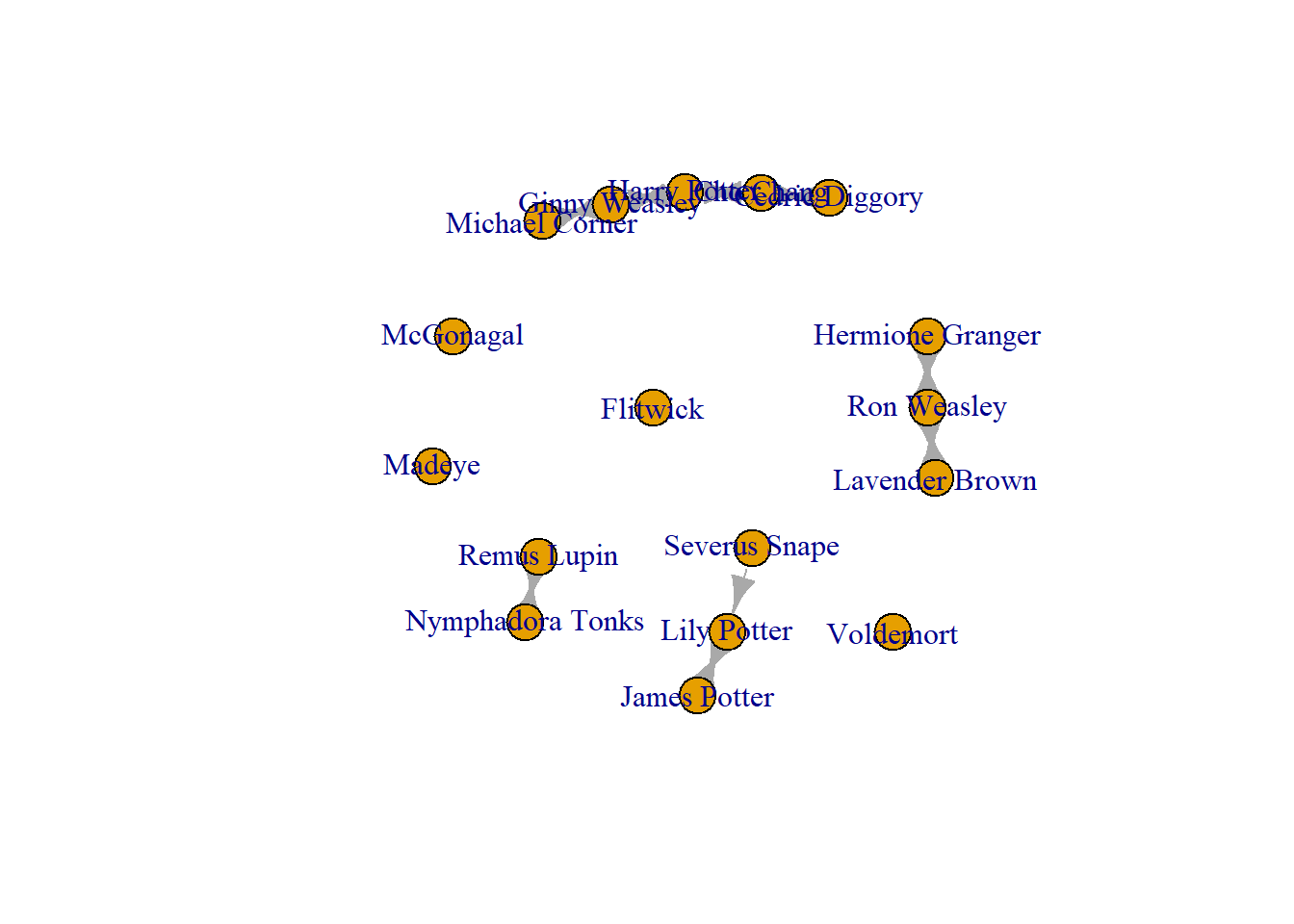
This function follows the following logic: you state the network that you want to add to, state how many nodes you are adding (in this case 1), then state the attribute of the node you are adding (in this case, the name is “Michael Corner”).
Add Edges
You may need to add edges that you know exist. For example, in this network, the node that we added, “Michael Corner” has connections to another - some who he fancies! What this shows is that, when I originally collected these network data, I forgot this guy. Note, these are fictional people, so I do not need to check with “Michael Corner” before I add him and his connections to our network.
We have added him in, but now we need to add his connections. To do this, you use add_edges(). Note, that we start with Michael, then we list to whom he is connected. Think of this as a “from” and “to” formula. So here, this goes from “Michael Corner” to “Ginny Weasley.”
crush_added <- add_edges(crush_added,
                         edges = c("Michael Corner", "Ginny Weasley"))

plot(crush_added)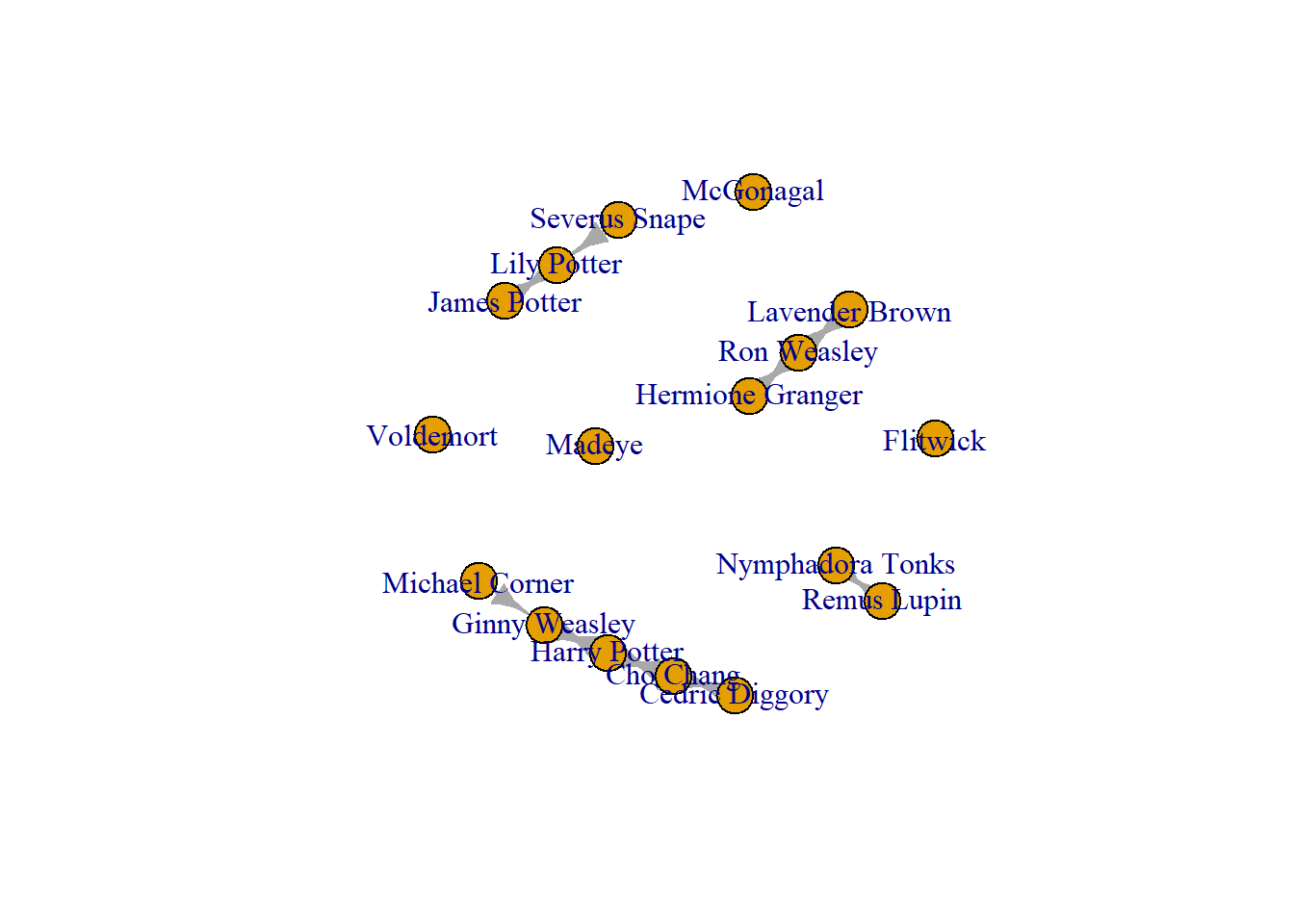
Now to add the reciprocated tie, from “Ginny Weasley” to “Michael Corner.”
crush_added <- add_edges(crush_added,
                         edges = c("Ginny Weasley", "Michael Corner"))

plot(crush_added)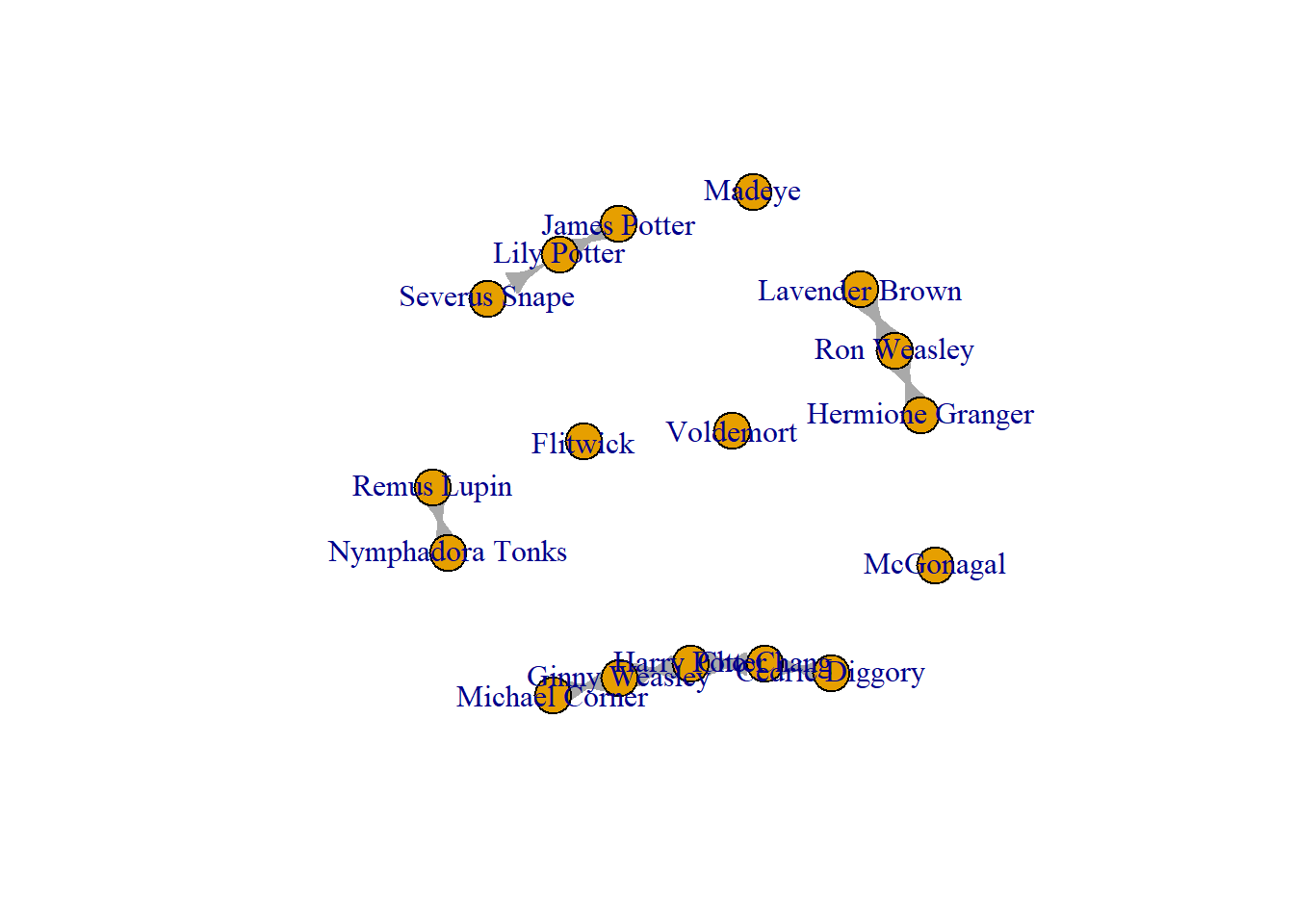
Fantastic! Now, we have trimmed the network of some extraneous elements (loops, isolates, or unwanted ties). We have also added someone into the network and connected them to their correct alters.
Summary
Cleaning network data is a little different from cleaning other forms of data like a survey. While there is some overlap in the process (like adding or removing additional information about individuals), the relational nature of the data really means that there are a few more things to consider. Here we have learned:
Network data can be messy
There are ethical considerations of transforming network data
How to add or delete nodes and edges either systematically (i.e. all isolates) or one-by-one.
Well done!